 Skip to content
Quick answer: how do I contact BDG customer service?
Tap Customer Service at the top of the BDG home screen (or Service center on the Account page). Chat through LiveChat or Telegram, or choose a ready request: Recharge not received, Withdrawal not received, IFSC modification, Change bank name or Change login password. Track it with Progress query.
Options
What can BDG customer service help with?
The service menu lists chat channels and ready-made requests for common problems.
| Option | Use it for |
|---|---|
| LiveChat | General questions and live help |
| Telegram | Chatting with support in Telegram |
| Recharge not received | Deposits paid but not credited |
| Withdrawal not received | Payouts pending or missing |
| IFSC modification | Fixing a wrong IFSC code |
| Change bank name | Correcting the account holder name |
| Change login password | Password reset |
| Progress query | Checking a request you already sent |
How to
How do I send a BDG support request?
Pick the matching request, add your order number and proof, then track it.
- Open Customer Service. Home screen, top right under Download APP.
- Pick a request type. Choose the option that matches your problem.
- Add details. UID, order number, amount, time and UTR where relevant.
- Upload proof. A clear screenshot of the payment or error.
- Track it. Use Progress query; do not open duplicates.
Safety
How do I avoid fake BDG support?
Use only the Customer Service button inside the app; real staff never ask for your OTP, UPI PIN or password.
Fake support accounts in Telegram, WhatsApp and social media copy the BDG logo. If someone contacts you first, or asks for a fee, PIN or OTP, it is not BDG.
This website is not BDG support and cannot access accounts. For guide questions use our Contact Us page.
Specific issues
Where are the detailed BDG help guides?
Each common issue has its own step-by-step page.
The BDG Game homepage has the rest.
FAQ
BDG customer service FAQ
Where is BDG customer service?
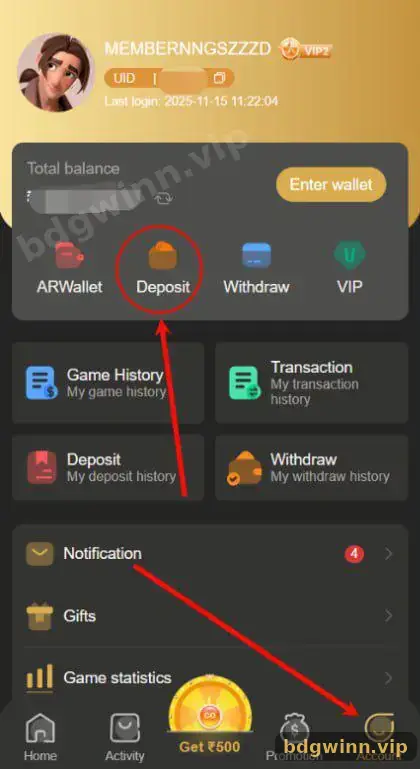
Tap Customer Service on the home screen, or Service center on the Account page.
Does BDG support have Telegram?
The service menu lists Telegram as a chat option. Open it from inside the app to reach the real channel.
How do I check a BDG support request?
Use Progress query in Customer Service.
What should I send for a missing deposit?
The order number, UTR, amount, time and a payment screenshot.
Will BDG support ask for my OTP?
No. Never share your OTP, UPI PIN or password.
Is bdgwinn.vip BDG customer service?
No. We are an independent guide and cannot access accounts.
Summary
Key takeaways
- Open Customer Service from the home screen.
- Use LiveChat, Telegram or a ready request.
- Send order numbers and screenshots.
- Track with Progress query.
- Real support never asks for OTP or PIN.
